2025
Redesign
TL:DR? Check Prototype
Background
Storytime: When I taught my father about GPay, he often used to get confused between "Pay anyone", "Pay Phone Number" and "Pay contacts" or "Pay via QR". It took him a while to get to understand different icons and options.
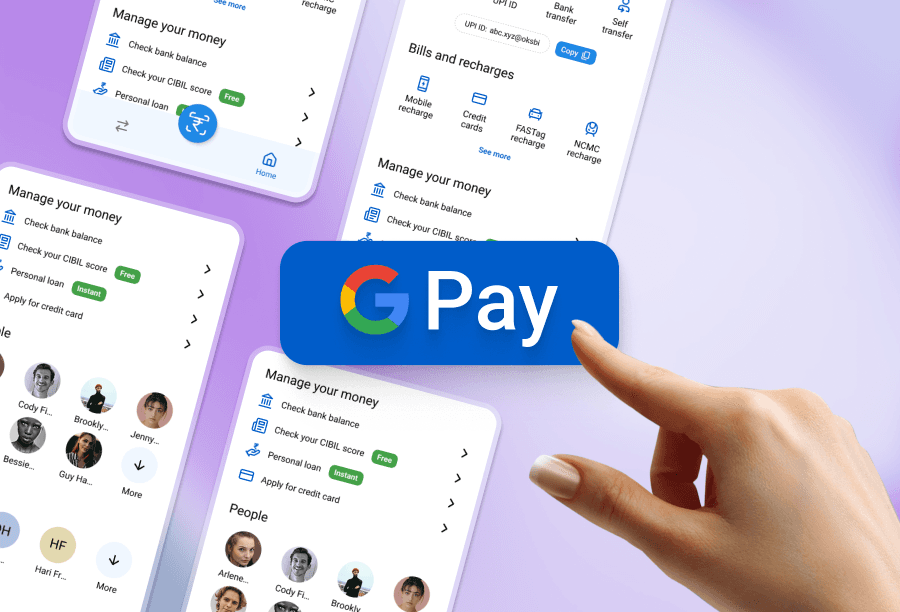
Google Pay or GPay is one of the most widely used UPI payment apps in India. I’ve been a regular user myself and noticed that while the app is lovely and functional, its home screen is a bit cluttered — especially when you're a first time user.
I chose to redesign the Google Pay home screen. My aim was to simplify the interface, reduce cognitive load, and make everyday actions like Scan to Pay or Check Bank Balance more accessible.
The present app
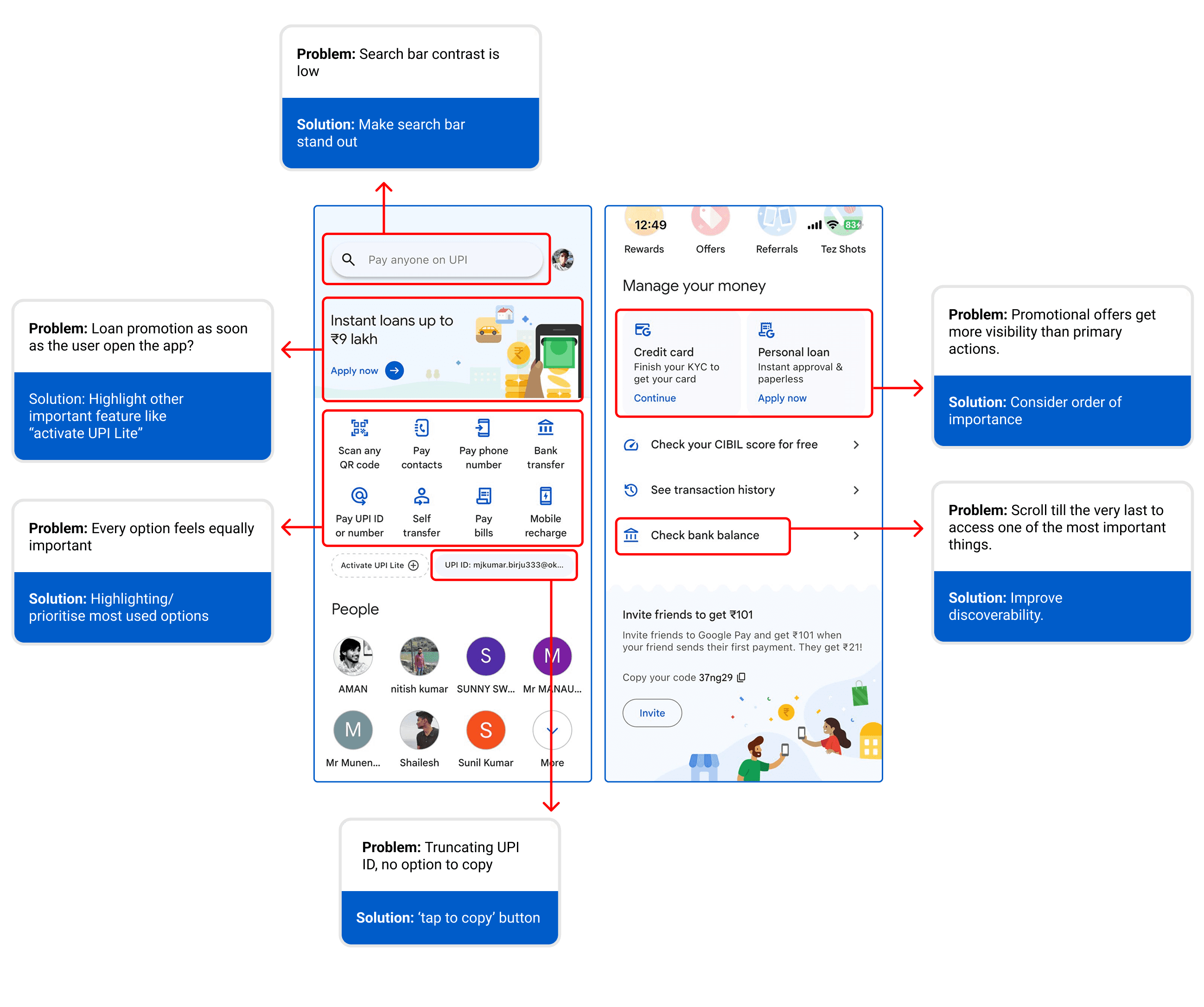
Key Issues Identified:
The Redesign Process
Setting up the basics
Layout grid: Used Rows (Height-8, Gutter-8) and Columns (Count-4, Margin-24, Gutter-16).
Consistent Spacing: Ensure all elements are aligned in the multiples of 8.
Primary Font: Sans-serif Roboto for a clean UI design.
Font Sizes: Heading H1-20 px, Body Text Regular-14 px, Small text-12px.
Primary Color: Google Blue #1A73E8 (for buttons, headers, and accents).
Iconography: Use Lucide icons (rounded) for simplicity and modern design aesthetics. Keep icons 24x24 or 32x32, depending on context.

The Redesign
Search Bar Contrast + Scrolling Cue: Enhanced the contrast for better visibility and accessibility. Introduced a subtle scrolling loop text with phrases like “Pay anyone”, “Pay friends and merchants” etc.

Replaced Promotional Banners with Useful Features: Removed loan offers and prioritized setting up UPI Lite.

Quick access to frequent options: Categorised and prioritised high-usage actions like "pay phone number" or "bank transfer". These are now visible upfront.
Improvements in UPI ID: Made the UPI ID visible and added a one-tap copy button to reduce user friction.

Categorized Bill Payments: Grouped recharges into a logical category (earlier it was clubbed with paying options).

Manage your money: “Check Bank Balance” is now more prominent and accessible without deep scrolling. Added small visual indicators like “Free” and “Instant” to guide user choices instantly. Added loan offers and applying for credit card option here. Followed order of importance here.

“Scan to Pay” Floating Action Button (FAB): Introduced a floating action button for the most frequent action — scanning QR codes — making it accessible from anywhere.

Check out the prototype
This redesign was meant to focus on what truly matters — fast, reliable payments and easy access to options.
While this is a personal project, it was approached with real-world usability in mind — keeping the needs of millions of users across different devices and age groups at the core.
Have a look at the before and after of the home page;